


Webflow AI alt text generator
Generate WCAG-compliant, SEO-optimized alt text for every Webflow image.
THE PROBLEM
Count what every missing alt text costs your Webflow site
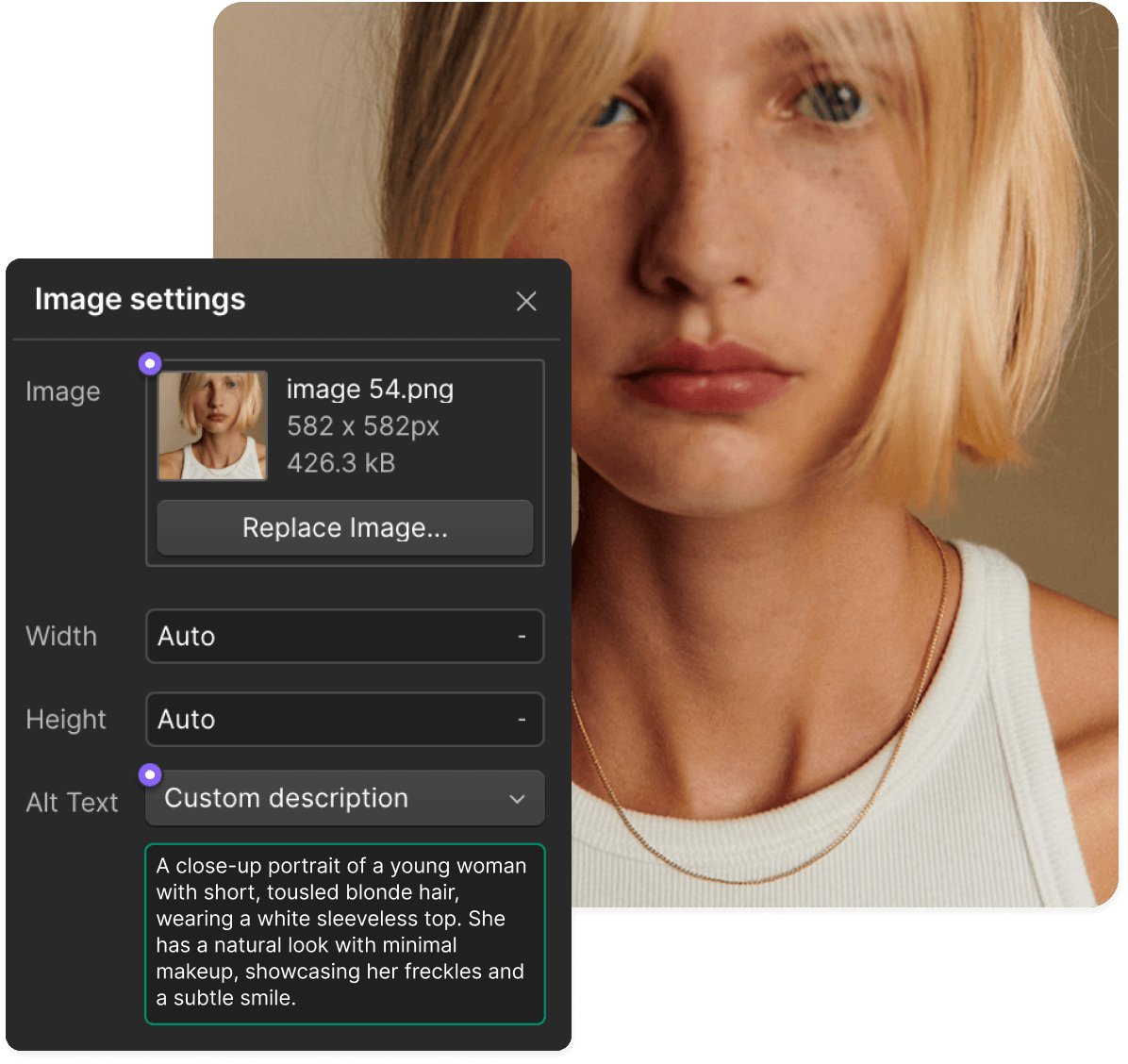
Accessibility: For visitors using screen readers, an image without alt text is just silence. No description, no context, no way to understand what's on the page. WCAG 2.1 AA, the ADA, and the EU Accessibility Act all require every meaningful image to have a description.
Scale: Webflow lets you set alt text one image at a time, inside each element's settings panel. For a site with dozens of pages and hundreds of images, that's a task that outlasts every sprint and stays on the backlog permanently.
How to add alt text to Webflow images automatically
Install the AltTextLab app in Webflow
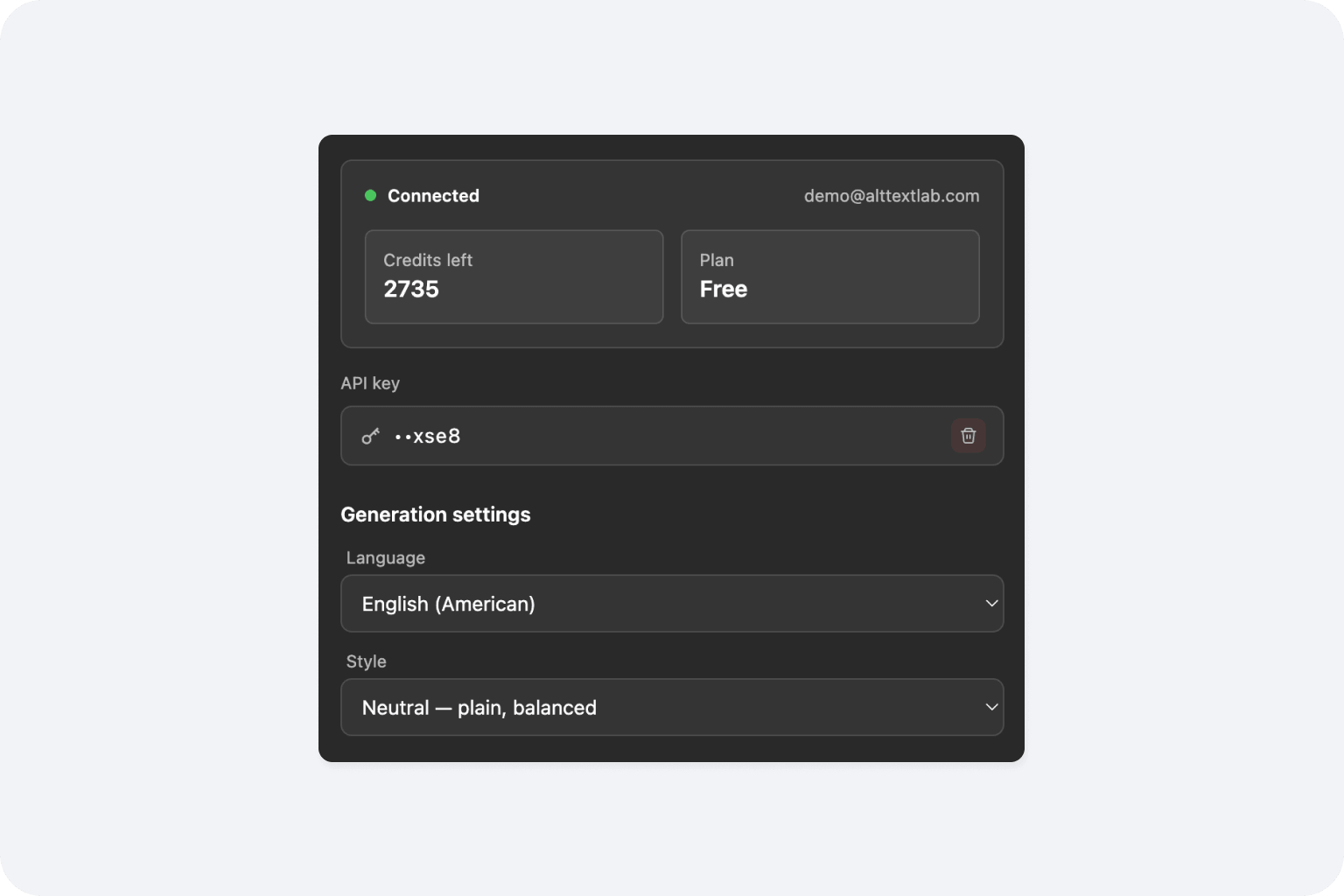
Add AltTextLab from the Webflow App Marketplace. Authorize access and open the app directly inside the Webflow Designer. No code, no external dashboard, no switching between tools.
Generate for one image, a page, or your whole Asset library
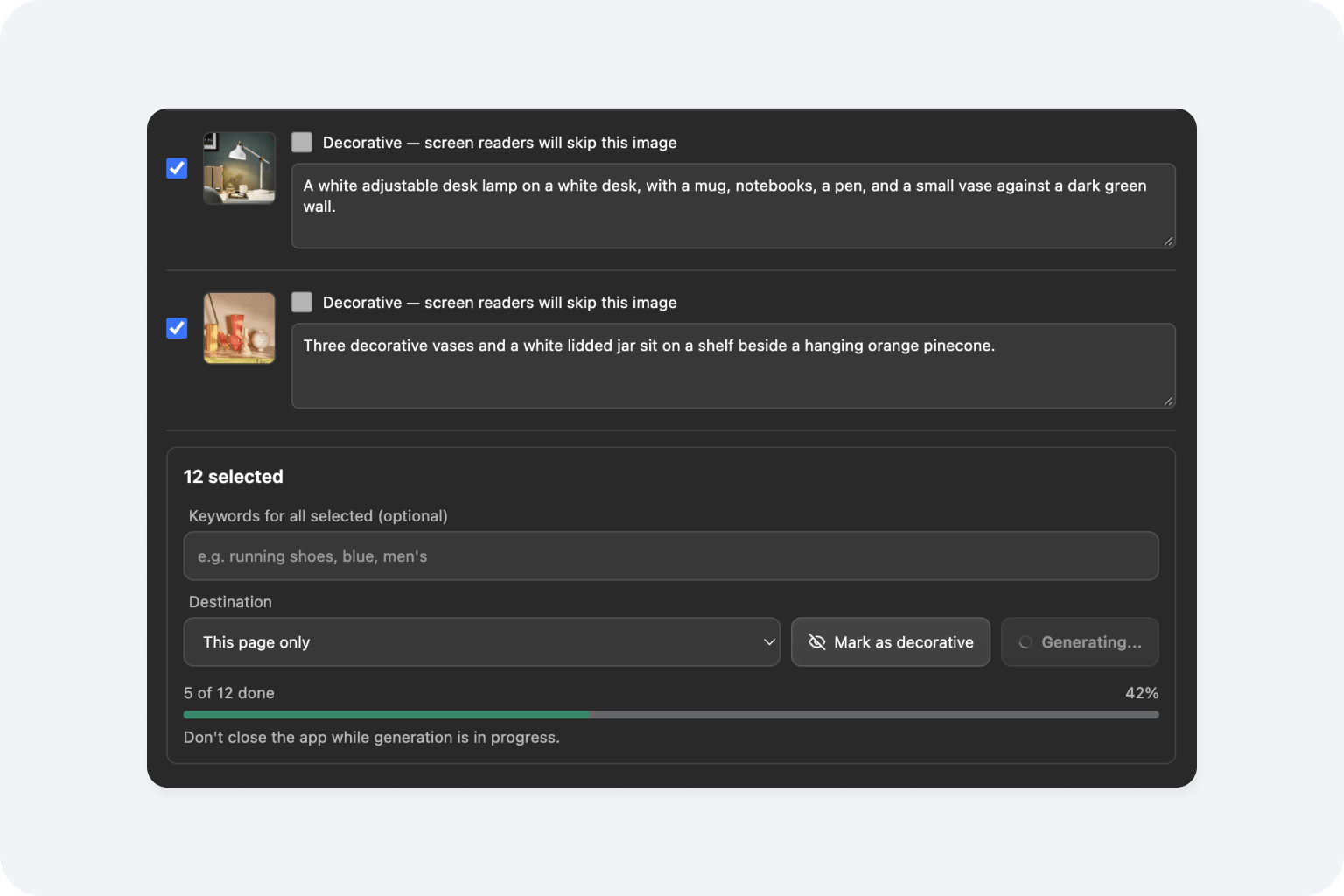
Work at whatever scale fits the job. Select any image in the Designer and click Generate for instant alt text. Open Page images to scan the current page, review every image in one list, generate what's missing, and mark decorative images so screen readers skip them. Or open Asset library to scan your whole Webflow Assets library and review or generate alt text for every image in one place. AltTextLab reads each image in context and writes an accurate, relevant alt text.

Review, edit, and apply
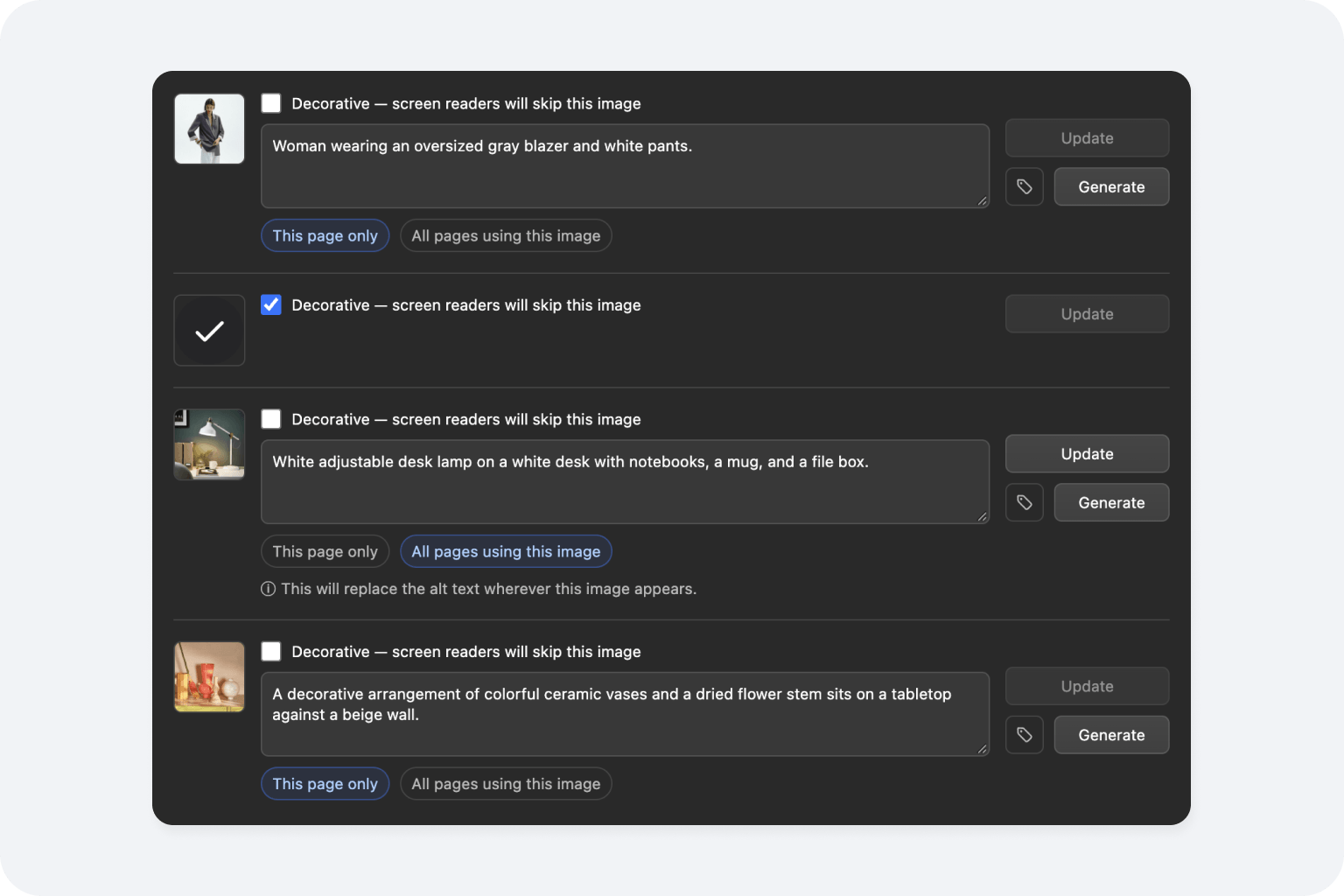
AltTextLab writes the generated alt text straight to the image element's alt attribute in Webflow. You choose whether it applies to this page only or to every page that uses the image.
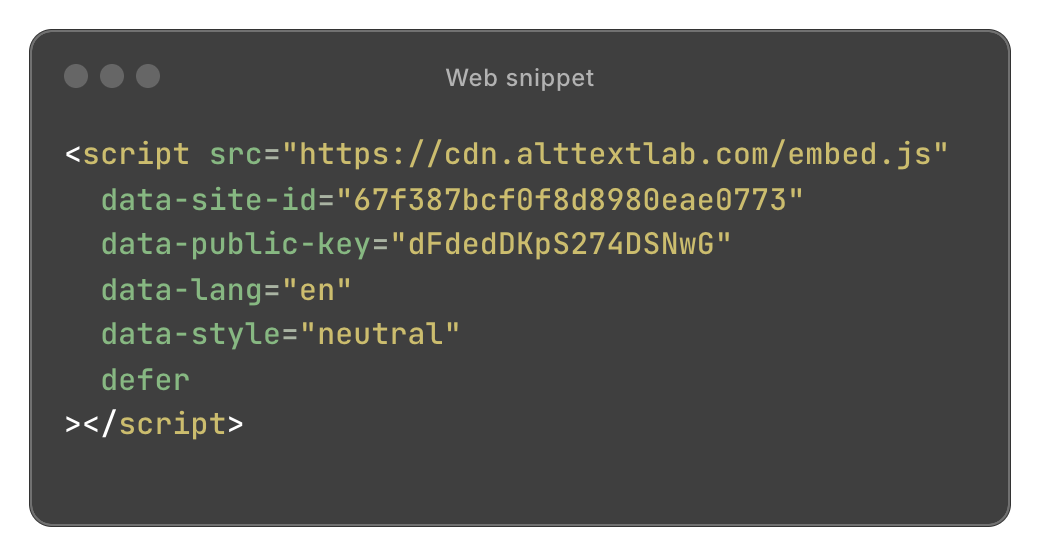
Working with Webflow CMS? You'll need the Web Snippet for that.
Built for Webflow teams, not generic image labelling

SEO keyword control

Custom writing styles

Your whole site, not one image at a time

WCAG 2.1 AA compliant output

130+ languages supported

Privacy-first and GDPR-aligned
Stores that stopped tagging images by hand







Does image alt text in Webflow improve SEO performance?

Yes, in two ways. Alt text is the primary signal Google uses to understand and index images for Google Image Search, which drives meaningful traffic for visual and content-rich sites. It also makes your images readable to AI tools like ChatGPT, Claude, and Google AI Overviews, which use alt text when surfacing content in AI-generated answers.
Will AltTextLab overwrite alt text I've already written in Webflow?
No, not by default. AltTextLab only processes images that currently have an empty or missing alt attribute. Any image where you've manually entered alt text in the Webflow Designer or via a CMS text field is left untouched. Regenerating alt text for images that already have textual descriptions is an explicit opt-in action, not something that happens automatically.
Can AltTextLab auto-generate alt text for multi-image fields and rich text images in Webflow CMS?
Yes, with our Web Snippet. The Web Snippet processes all images as they appear in the rendered HTML of your published site, regardless of which Webflow field type they originate from — standard image fields, multi-image fields, and images embedded in rich text blocks are all covered. This is especially useful because Webflow's native alt text workflow for multi-image fields and rich text images requires manual entry per item, which becomes impractical at any meaningful scale.
Does the AltTextLab app affect my Webflow site's performance or Lighthouse scores?
No. AltTextLab operates entirely through the Webflow Designer. Image processing runs on AltTextLab's servers; nothing is injected into your published site's frontend. Page load speed, Core Web Vitals, and Lighthouse scores are completely unaffected.
Can AltTextLab include SEO keywords in the alt text it generates for my Webflow site?
Yes. You can provide custom keywords in your AltTextLab account settings, and the AI weaves them naturally into generated descriptions where contextually appropriate. This is particularly useful for Webflow sites built for e-commerce or content marketing, where image search visibility matters. Keywords are integrated as part of a natural description (not appended or stuffed) so the output reads well for both screen reader users and search engines.
I manage multiple Webflow client sites. Can I use one AltTextLab account across all of them?
Yes. One account covers any number of domains with no per-site fees. Your credits are pooled and available across all your projects, making it practical for agencies or freelancers who need to run alt text generation across multiple client sites. The Web Snippet can be installed independently on each site, and the Chrome Extension works across any domain you visit in your browser.
Make your Webflow site accessible and discoverable in one click


