


Drupal AI alt text generator
AltTextLab's Drupal module generates accurate, SEO-optimized alt text the moment you upload an image, and bulk-processes your existing media library in one run.

THE PROBLEM
Count what every missing alt text costs your Drupal site
Accessibility: For visitors using screen readers, an image with no alt text is just silence. Every meaningful image on your site needs a description to meet WCAG 2.1 AA. The ADA in the US and the EU Accessibility Act both require this baseline across your entire media library.
Scale: Drupal's media module gives you an alt text field on every image. It doesn't fill it for you. For sites with thousands of media files uploaded over the years, writing descriptions one file at a time is a task that will never be completed manually.
How to add alt text to Drupal images automatically
Install the AltTextLab Drupal module
Install the AltTextLab Drupal module. Then enable the module in your Drupal admin, enter your API key in the module configuration, and it immediately shows you how many media images are missing alt text across your library. No code changes. No server configuration.
Install Drupal module

Bulk-process your existing media library
For images already in your Drupal installation, run bulk generation across your full media library. Select the media types you want to process, click generate, and the module works through them in your browser — keep the tab open until it's done.
Every new media upload gets alt text automatically
Turn on automatic generation in the module settings and every image uploaded to Drupal media library gets alt text written to it immediately. Or if you prefer, you can trigger it manually when you need to.

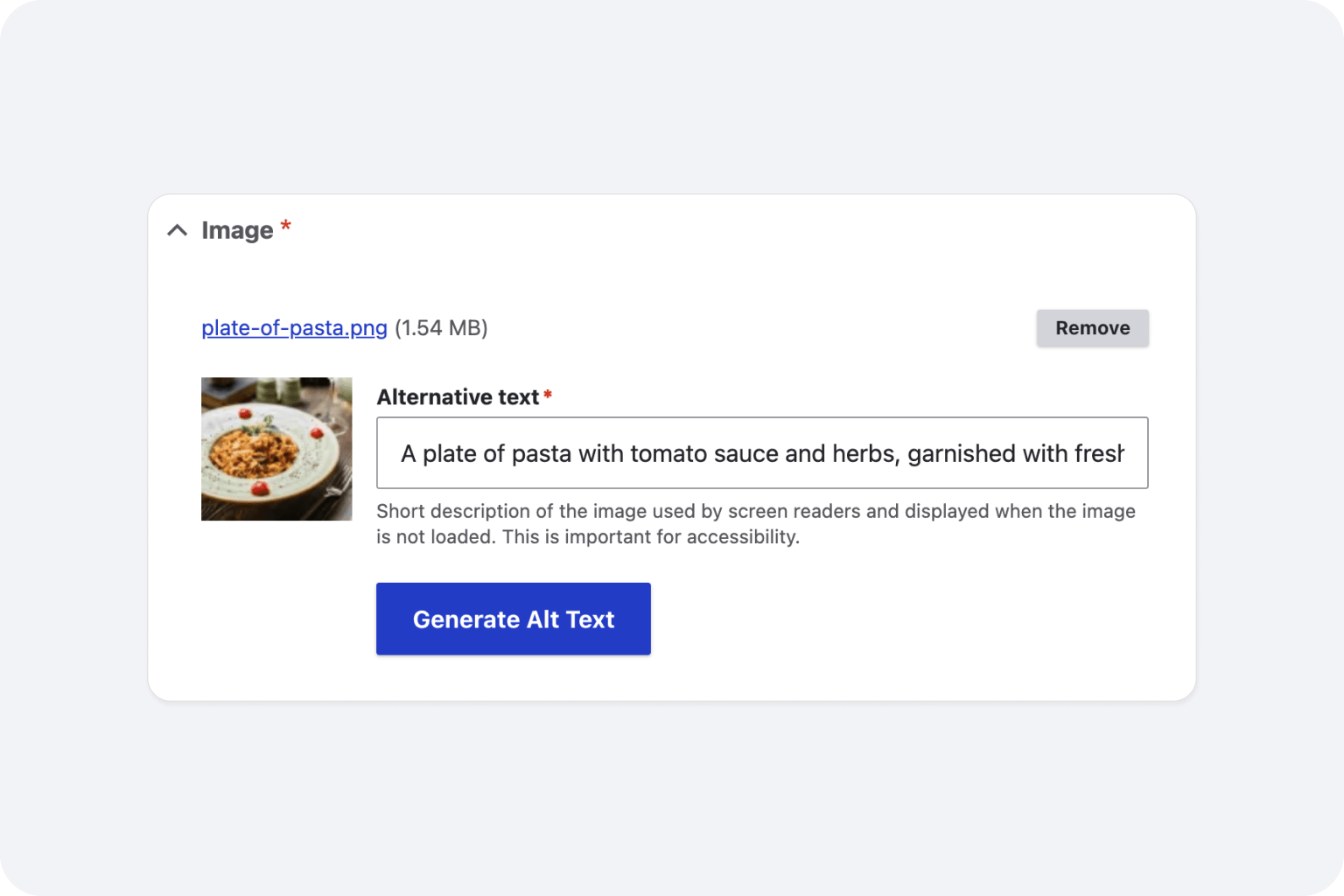
Built for Drupal's media library, not bolt-on workarounds

Zero performance impact

Privacy-first and GDPR-aligned

Drupal multisite support

Custom writing styles

WCAG and ADA compliant output

130+ languages supported
Teams that stopped writing alt text by hand








Does the module support automatic alt text generation on image upload?

Yes. Once enabled, the module hooks into Drupal's media save process so whenever an editor uploads an image to the media library or inside the content editor, AltTextLab generates and populates alt text automatically in the background. Editors see a completed alt text field when the image is saved, ready to review and adjust if needed. No manual trigger is required.
This is particularly useful for larger editorial teams where enforcing consistent alt text entry is difficult — the AI handles it by default, and editors can focus on reviewing rather than writing from scratch.
Can I bulk-generate alt text for images already in my media library?
Yes. The module includes a bulk generation action that scans your existing images and processes all image media entities with an empty Alternative Text field in a single job. Only images with missing alt text are processed by default — existing image descriptions written by editors are left untouched unless you explicitly opt in to regenerating them.
Will AltTextLab overwrite alt text my editors have already written?
No. The module only fills in alt text where the Alternative Text field is currently empty. If an editor has already entered a description on a media entity, it is left exactly as it is. Regenerating descriptions across media entities that already have descriptive alt text is an opt-in action available in the bulk generation settings, not something that runs automatically.
Which versions of Drupal does the module support?
AltTextLab's Drupal module supports Drupal 10 and Drupal 11. Note that Drupal 7's security support ended in January 2025, and the module does not support Drupal 7 or Drupal 9. If your site is still on an unsupported version, upgrading to Drupal 10 or 11 is the recommended path before installing the module.
Is AltTextLab useful for Drupal site migrations with large image backlogs?
Yes, migration backlogs are one of the primary use cases the module is built for. Sites migrating from Drupal 7 or Drupal 9 frequently arrive at Drupal 10 or 11 with thousands of images that have never had alt text. The bulk generation feature processes the entire media library in a single run, making it practical to resolve a years-long backlog in one job rather than tasking editors with writing descriptions manually. The module also integrates cleanly into migration pipelines via the API for teams handling large, programmatic content imports.
Does AltTextLab work alongside Drupal's Metatag or other SEO modules?
Yes. AltTextLab operates at the media entity level — it writes to the Alternative Text field on your image media entities. SEO modules like Metatag work at the page and meta layer and don't interact with image alt attributes directly. The two work in parallel without conflict. In fact, well-populated alt text fields produced by AltTextLab give Metatag and other SEO tools better structured data to work with when generating image-related structured markup and Open Graph image alt text.
Can content editors generate alt text manually for a single image, or is it only automated?
Both workflows are supported. The automatic generation on upload handles the vast majority of cases without any editor involvement. For situations where an editor wants to regenerate or review alt text for a specific image, the module surfaces a generate action within the media entity edit form so editors can trigger generation for a single image with one click, review the output, edit if needed, and save.
What happens to alt text if I uninstall the module?
It stays. AltTextLab writes AI image alt text to Drupal's native media alt text field identically to text entered manually through the media UI. Uninstalling the module does not remove any generated alt text. Every description is written permanently to the Drupal database.
Stop alt text from slipping through the cracks in your Drupal workflow


